p. paint cost labEXPERIMENT STUDIO
ONE PHOTO. TWO APPROACHES.

Same face.
Different cost?

A little Paint for a real experiment. Give Claude a reference, watch it draw, then compare the results.
YOUR STUDIO Images stay in this browser

01 Reference

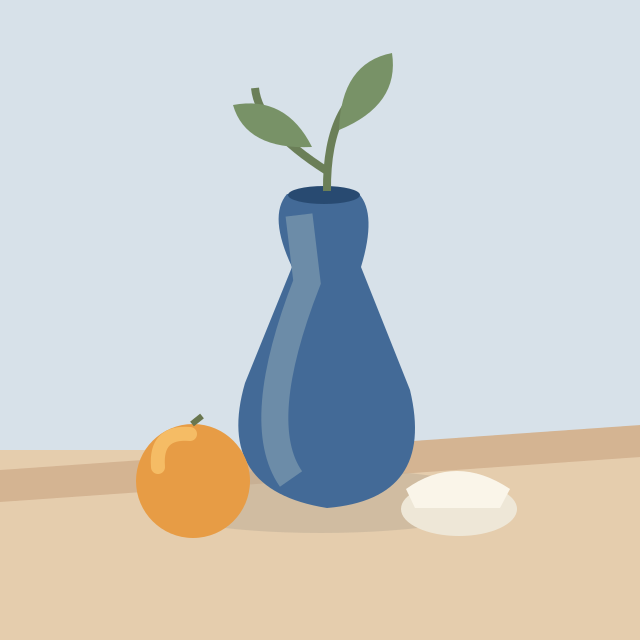
Demo illustration: a vase, orange and blue backdrop
Demo illustration · upload your portrait

Drop a photo here, paste an image, or use Upload photo.

02 Drawing

640 × 640

0 strokesDraw by hand or connect your own Claude Code.

Ready. Your canvas is yours.
01 / BRING A PHOTO

Your reference. Your canvas.

Upload a portrait and try the tools. No image generation or automatic tracing is built in.

02 / BRING YOUR CLAUDE

Watch the brush, not a filter.

A local MCP connection lets your Claude Code see the studio and draw with the same controls.

03 / COMPARE THE WORK

Quality belongs beside cost.

Save the drawing and stroke log. Token usage and cost come from Claude’s run logs, not this page.

BRING YOUR OWN CLAUDE

A Paint. A local connection.
Your Claude Code.

This page is a standalone editor. To let Claude draw, run the local MCP server included with the source code. It opens its own visible browser window with this studio.

  1. Clone the project and install the dependencies from the README.
  2. Register server.py as a local MCP server in Claude Code.
  3. Ask Claude to open the studio. Upload your reference in that window.
  4. Ask it to draw using the studio tools.

Use your existing Claude Code account. No API key belongs in this page. The reference is shared with Claude when you request a studio screenshot.

Follow the setup instructions on GitHub.